
Most people assume their phone is private. Yet many apps collect far more data than users expect. In some situations, the behavior goes beyond normal tracking and feels like someone is spying on you. That does not always mean a stranger is watching your screen in real time. Often, it means your habits, location, and personal patterns are being monitored or shared without you fully realizing it.
This issue keeps growing as phones become smarter and more connected. Developers track behavior to improve features or sell ads, and sometimes both. Still, not all data collection feels fair or necessary. Some apps quietly cross a line. Others slowly drift there over time. Understanding which apps carry risk is the first real step toward protecting your privacy.
Why “Spying” Does Not Always Mean Hacking
When people hear the word spying, they often imagine hacking or malware. In reality, phone spying often relies on permissions you already gave without thinking too much about it. Many apps legally collect personal data because users tap allow during setup.
Over time, those permissions allow deep monitoring. This can include location tracking, microphone access, contact syncing, and background activity logging. Privacy policies usually explain this, but most people never read them all the way through. Because of that, surveillance feels hidden. Yet data keeps moving quietly behind the scenes. In most cases, the risk comes from apps doing exactly what they were designed to do.
Social Media Apps and Behavioral Tracking
Social media apps are some of the biggest data collectors on modern phones. Their entire business model depends on understanding user behavior. The more they know, the longer people stay, and the more ads they can sell.
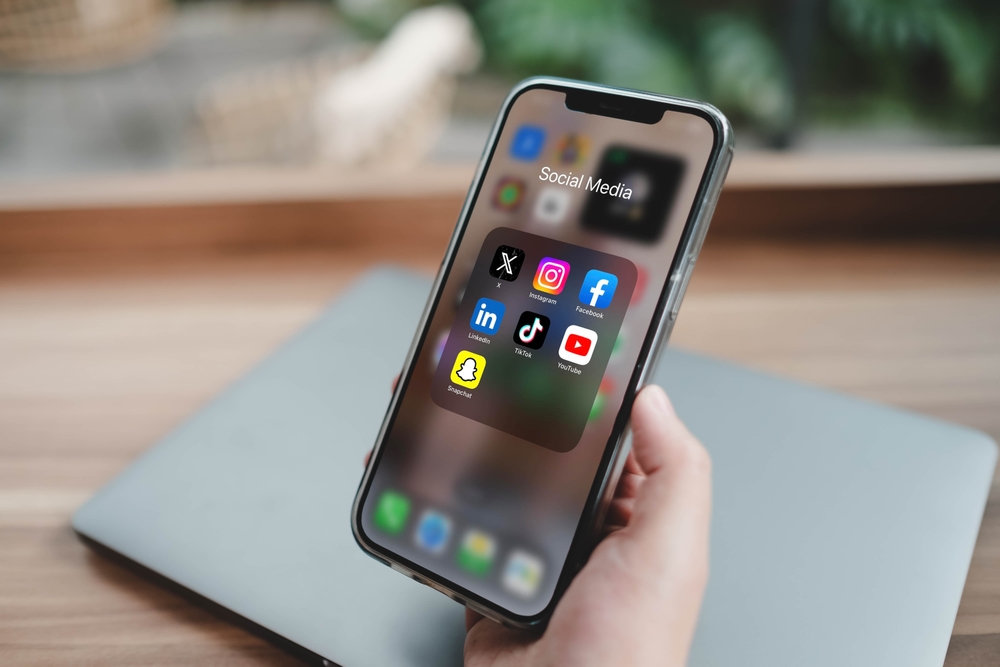
Apps like Facebook, Instagram, and TikTok track more than posts and likes. They watch how long you look at content, what you scroll past, and what makes you stop. Some collect location data, device details, and interaction patterns across other apps.
From a technical point of view, this helps refine algorithms. From a human point of view, it can feel invasive. Over time, these systems build detailed behavioral profiles. That is why ads sometimes feel unsettlingly accurate.
Free Apps That Treat Your Data as Payment
Free apps often come with an invisible cost. If you are not paying with money, you are often paying with data. Many free utilities and games survive by collecting and selling user information. Flashlight apps and wallpaper apps are common examples. Over the years, researchers have flagged these for requesting permissions that make little sense. Some ask for contacts, location, or storage access even though they do not need it. Others include third-party tracking software that quietly sends data elsewhere.
App stores now apply stricter rules, but older apps may still follow outdated practices. If those apps remain installed, they may still collect data in the background. Because they appear harmless, people rarely question them.
Location Sharing Apps and Always Being Tracked
Location-based apps can be genuinely helpful. Navigation, weather alerts, and safety tools all rely on location data. Problems start when access never turns off, and the apps are running in the background. Apps like Life360 allow families to track each other in real time. However, reports have shown that some location apps have shared anonymized location data with third parties. Even anonymized data can sometimes be traced back to real people.
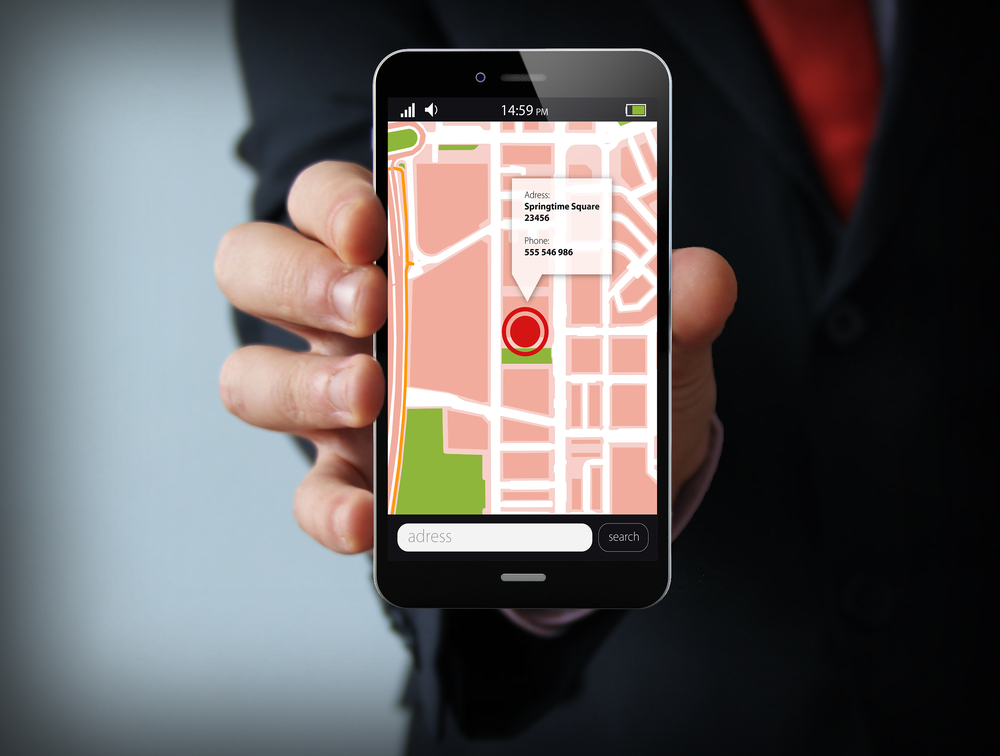
Location patterns reveal routines. They show where you sleep, work, and relax. Over time, this information becomes deeply personal. When shared widely, it increases the risk of profiling or misuse. Limiting location access to only when needed helps reduce that exposure.
Keyboard Apps and What You Type Every Day
Keyboard apps sit in a sensitive position. Everything you type passes through them. Messages, searches, notes, and sometimes passwords. Many third-party keyboards say they collect typing data to improve predictions. That can be true. Still, it requires trust. If safeguards fail or policies change, sensitive information could be exposed. System keyboards built into phones face stricter controls. Third-party keyboards do not always follow the same standards. Removing unused keyboards reduces one more quiet risk most people forget about.
Microphone and Camera Permissions That Linger
Microphone and camera access create strong emotional reactions. People worry about being listened to or watched. While constant recording would drain the battery fast, occasional access still matters when it comes to privacy. Some apps need microphone access for voice notes or calls. Other apps ask for it without a clear reason. Once granted, the permission often stays active until you revoke it.
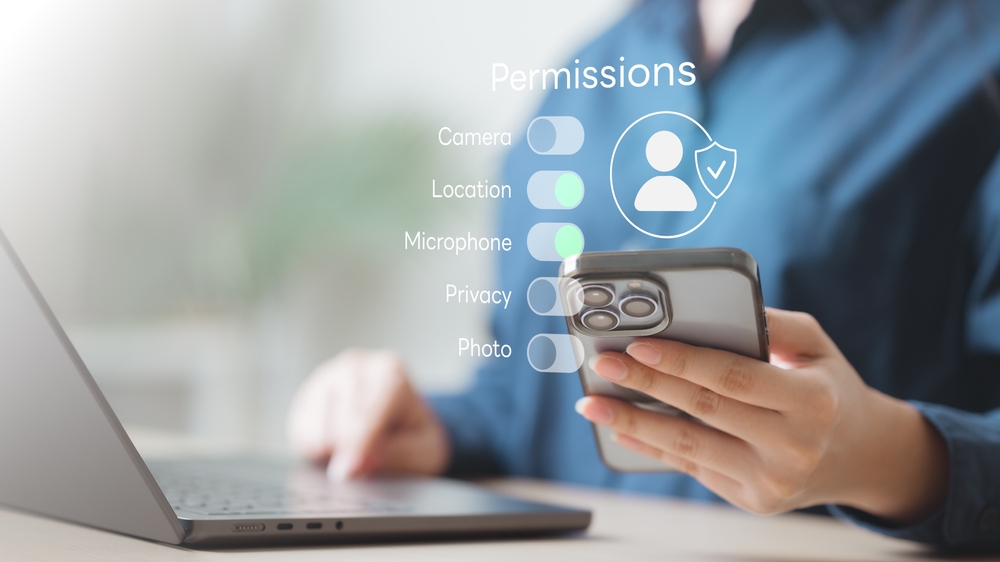
Even without full recordings, metadata still reveals behavior. It shows when you speak and how often. Combined with other data, this helps create more detailed user profiles. Reviewing these permissions regularly is simple but often overlooked.
Monitoring and Stalkerware Apps
Not all spying comes from corporations. Some apps are designed to monitor phones for another person. These tools are often marketed for parents or employers, but they can be misused. Apps like mSpy can track messages, calls, locations, and app activity. When installed secretly, they operate quietly and hide their presence. Victims often have no idea they are being monitored. Security experts call these tools stalkerware. Their presence can signal abusive surveillance in relationships. Removing them is not always simpl and in some cases, professional help is needed to avoid further risk.
Why Older Apps Can Be More Dangerous
Older apps deserve extra scrutiny. Apps installed years ago may not meet modern privacy standards. Some still rely on outdated tracking software that is known to be aggressive. Ownership may also change. An app that once respected privacy may be sold to a different company with new priorities, and without updates, users stay exposed without knowing it. Checking installed apps every few months helps reduce this risk. If an app is no longer useful, removing it is usually the safest choice.
Subtle Signs an App Is Doing Too Much
Some warning signs appear quietly. If you notice your battery draining quickly, it can suggest constant background activity. Unexpected spikes in data usage can point to frequent server communication.
Permissions that do not match an app’s purpose are another red flag. A calculator does not need location access. A puzzle game does not need contacts. When something feels off, it usually is. Paying attention to these details helps restore control.
How to Audit Your Phone Without Getting Overwhelmed
Once the idea of being monitored sinks in, many people panic and want to delete everything. That reaction is understandable, but it is rarely necessary. A slow, careful audit works better and causes fewer problems. Start by opening your phone’s app list and scrolling through it slowly. Most people are surprised by how many apps they no longer remember installing. If you see an app you have not used in months, ask one simple question. Do I still need this? If the answer is no, remove it. Each deleted app reduces potential tracking and makes the rest of the audit easier to manage.
Checking App Permissions One Category at a Time
Permissions matter more than most people realize. Instead of checking apps one by one, it helps to review permissions by category, as this approach reveals patterns faster. Look first at location access. Many apps request it by default, but chances are the app doesn’t require permission. Change access to ‘while using the app‘ whenever possible.
Next, review microphone and camera permissions. Social apps and messaging tools often need these features, but other apps do not. If something seems unnecessary, revoke access and see if the app still works fine. Often it does.
Finally, review contacts, photos, and storage access. These permissions expose large parts of your digital life, so limiting them reduces silent data sharing.
Background Activity and Why It Matters
Background activity is one of the least understood privacy risks for users. Many apps continue running even when you are not using them. They refresh data, send updates, and sync information quietly. Phones allow users to restrict background activity, but most people never adjust these settings. When left unchecked, apps can monitor usage patterns around the clock. This creates detailed timelines of behavior. Limiting background activity saves battery and reduces tracking. If an app truly needs background access, you will quickly notice when something breaks, and most apps do not need it at all.
Advertising IDs and Cross-App Tracking
Modern phones includeadvertising identifiers that help companies track users across apps. These IDs allow advertisers to link behavior from multiple apps into one profile. Both major phone platforms allow users to reset or disable this tracking. Doing so does not remove ads, but it limits how personalized they become. This reduces the feeling that your phone is watching everything you do. Resetting the advertising ID regularly helps break long-term data chains.
Cloud Sync and What Leaves Your Device
Cloud services add convenience for users, but they also move data off your device. Photos, contacts, messages, and backups often sync automatically. This creates copies of your information elsewhere. Companies like Apple and Google encrypt much of this data. Still, not all backups are equal. Some app data remains readable to service providers.
It is best to review which apps are allowed to sync to the cloud. If an app does not need backup access, turn it off. This limits how far your data travels and how long it stays stored.
When a Factory Reset Makes Sense
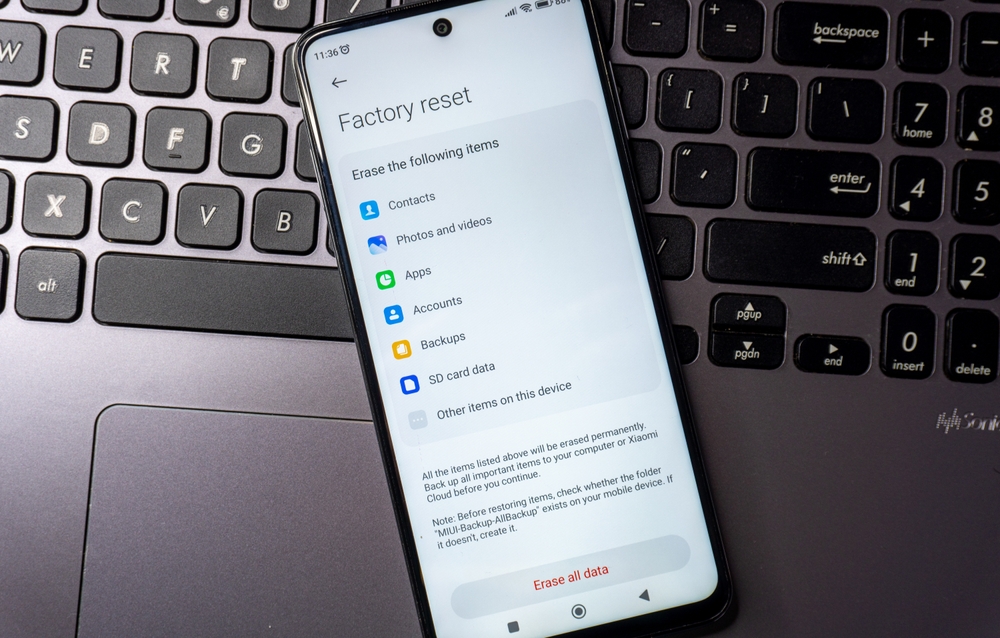
A factory reset sounds extreme, but sometimes it is the cleanest option. This step wipes the phone and removes hidden software that normal uninstall methods miss. A reset makes sense if you suspect stalkerware, unexplained behavior, or unauthorized access. It also helps when a phone changes ownership or after a major security scare. Before resetting, back up essential data like photos and contacts. Then reset the device and reinstall only the necessary apps. This process feels tedious, but it often restores peace of mind quickly.
Legal Protections and Their Limits
Privacy laws exist, but they vary widely by region. Regulations like the GDPR in Europe and similar frameworks elsewhere require companies to disclose data practices. They also allow users to request data deletion. However, legal protections do not prevent all surveillance. They mainly govern what companies can do with collected data. They do not stop excessive permission requests or user oversight. Understanding these limits helps set realistic expectations.
Why Convenience Keeps Winning Over Privacy
People value convenience, and apps promise faster results, smarter features, and personalized experiences. In exchange, users accept tracking, often without thinking about it. This tradeoff explains why privacy risks persist. Even informed users sometimes choose comfort over caution. The goal is not to eliminate all tracking, but rather to reduce unnecessary exposure.
Over time, people can learn to recognize risky apps quickly. Excessive permissions during installation should raise questions. So should vague descriptions of how data is used. User reviews often reveal problems early, so it’s always good to check these before downloading. Complaints about battery drain, ads, or strange behavior usually point to aggressive tracking. By developing this awareness, it reduces future risk. It also saves time by preventing bad installs in the first place.
Final Thoughts
Phones are powerful tools, but they demand attention and care. Some apps collect far more data than expected, and others cross into behavior that feels like being watched. Understanding these risks does not require expertise, but a willingness to look closer.
By reviewing installed apps, limiting their permissions, and removing what no longer serves you, control slowly returns. Privacy is not about hiding; it is about choosing what you share and with whom. If an app no longer earns that trust, it does not belong on your phone.